false

Virtual Care FAQs

Get answers to common questions about virtual visits with your primary or specialty care provider.

Virtual care overview

Am I still able to see my provider in person if I start using virtual care?
Of course! You and your provider will develop a plan of care that works for both of you.
Can I participate in a virtual visit from any location?
You can participate in a virtual visit from many locations (at home, at work, etc.). Be sure that you have a reliable internet/Wi-Fi connection and that you are somewhere quiet and private. If you are located outside of Massachusetts, please check with your provider to verify if virtual care is available to you.
What steps do I take if I want to set up a virtual visit with my provider?
Please check with your Mass General Brigham provider to find out if they participate in the virtual visits program and if your visit would be appropriate to conduct virtually.
Can I connect with a provider virtually if I have an urgent health need?

24/7 Virtual Care is available to established patients of Mass General Brigham as well as to new patients.

You can meet with a provider through a secure, interactive 24/7 Virtual Care visit on your tablet, smart phone, or computer.

This service is for adults and children ages 3 and older. Anyone under the age of 18 will need to be accompanied by an adult.

Is Zoom safe to use between my provider and me?

Yes, just like a regular appointment, your virtual visit is private and confidential. However, it is very important that you conduct your visits in a private, secure location.

We use a special version of Zoom used for healthcare visits that has several security features that are not available with other versions of Zoom. Each individual appointment creates a new meeting link between provider and patient. There is also a waiting room function providers use to admit people into the Zoom meeting so that no uninvited guests may join.

All the video calls are encrypted, video and chat cannot be recorded, and personal health information is not saved by the video system. Connecting to the visit through Patient Gateway provides another layer of security. Patient Gateway virtual visits are designed to make seeing your provider easy, while keeping you and your health information safe and secure.

Before your virtual visit

What do I need to participate?
  • A Patient Gateway account

  • A Zoom video application downloaded and installed to your device

  • A reliable internet connection

  • A PC/Mac that meets the following minimum requirements:

    • Chrome or Firefox as an internet browser
    • Webcam
    • Microphone
  • Speakers or headphones

  • An iPhone/iPad/Android device with:

    • The Patient Gateway application
    • Front-facing camera
How can I get access to Patient Gateway?
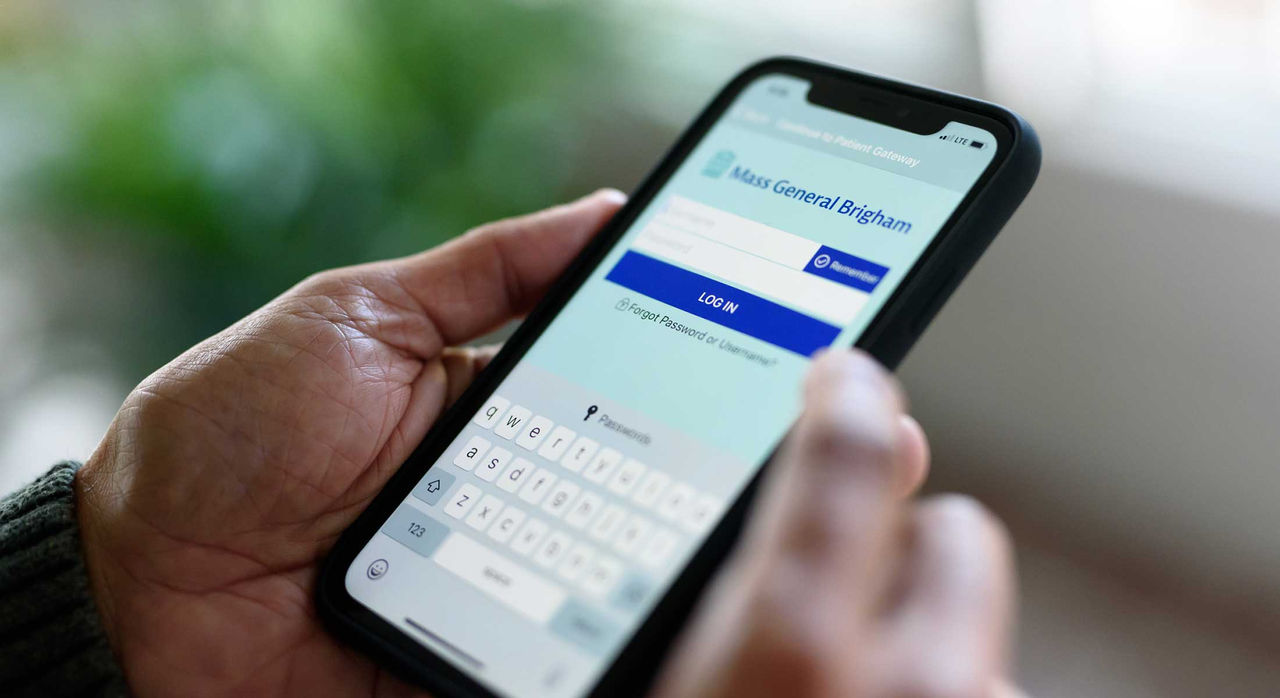
To sign up for a new account, reset your password, or access your existing account visit Patient Gateway. You can also download the Mass General Brigham Patient Gateway app to your mobile device or tablet.
How do I start my visit?
A few minutes before your scheduled visit, log into Patient Gateway and hit the button to start your appointment. Your care provider will meet with you shortly.
How do I locate my volume control?
Depending on your device, there may be physical buttons you can use to adjust the volume, an icon on the desktop of your computer, or it can be raised or lowered in the virtual visit once you are connected with your provider.
Can I invite a third party (such as a spouse, caretaker, etc.) to my appointment who would be joining from another location?
Yes, you can invite a third party to join your appointment. Please let your clinician know that you would like someone else to join at the beginning of your visit. Be prepared to share a mobile number or email for them at the start of the visit so they can receive a link to join the visit.

Costs and payment

How much will I be charged for my virtual visit?
Depending on your insurance coverage, you will be charged your usual co-pay/deductible. For more information, please contact your insurance company.
Will I still be billed if there are technical challenges during the virtual visit?
If technical issues prevent your visit from being completed over video, but it still occurs over the telephone, you will be charged for the visit. If the visit cannot be completed by either method, you will not be charged.
How do I pay for my virtual visit?
Following your virtual visit, you will receive a bill by mail or electronically via Patient Gateway. You may pay by phone, mail or electronically through Patient Gateway. All major credit cards and personal checks are accepted.
Is this expense HSA or FSA eligible?
Most patient payments or co-pays for medical services are eligible expenses for most HSAs or FSAs. However, we recommend that you check with your employer or health insurance company to confirm.
What should I do if I think I have received a bill in error?
Please contact the Mass General Brigham Billing Office at 617-726-3884 if you believe you have received a bill in error.

Schedule virtual care

Log in to or enroll in Patient Gateway to schedule a virtual visit, email your doctor, and more.
/content/dam/unified-xwalk/images/patients-visitors/cell-phone-2200x1200.jpeg
primary
internal
Access Patient Gateway
/content/unified-xwalk/en/patients-visitors/resources/becoming-patient/patient-gateway